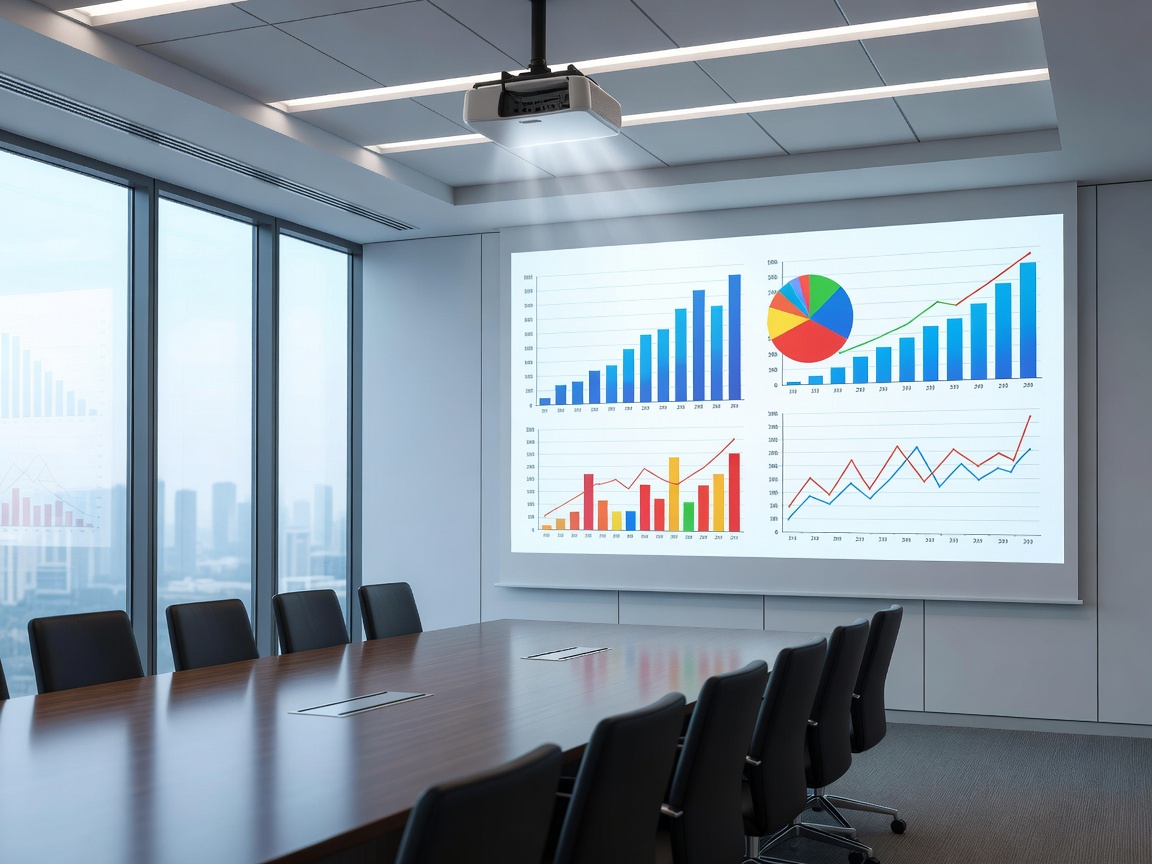
Brightness First: Defeating Ambient Light
The primary defining characteristic of business and education projectors is sheer raw lumen output. Unlike home theaters where lighting is strictly controlled, conference rooms and classrooms feature large windows, fluorescent overhead lights, and an audience that needs to see their notes or laptops. Plunging a meeting space into total darkness is counterproductive.
To produce a legible image under these conditions, a projector must output significantly more light. While a home theater model might excel at 1,500 lumens, an entry-level classroom projector requires at least 3,500 to 4,000 ANSI lumens. For larger lecture halls or brightly lit boardrooms, figures of 5,000 to 8,000 lumens are standard. This emphasis on brightness generally comes at the expense of deep contrast ratios; blacks will appear as dark grays, but the text and presentation graphics will remain crisp and visible.
Connectivity: Legacy and Modern Integration
Organizational environments possess highly varied hardware ecosystems. A single projector might need to interface with a state-of-the-art USB-C laptop one hour, and an older desktop tower relying on VGA the next. Consequently, business projectors differentiate themselves by offering a wide array of I/O (Input/Output) ports.
Beyond traditional HDMI and VGA, network connectivity is paramount. IT departments require the ability to manage and monitor projection assets centrally. Projectors equipped with RJ45 (LAN) ports and compatibility with control systems like Crestron, AMX, or PJLink allow administrators to power devices on and off remotely, monitor lamp life, and receive alerts if a device goes offline. Furthermore, robust wireless presentation protocols are becoming expected, allowing meeting participants to cast screens effortlessly without hunting for dongles or adapters.
Maintenance and Total Cost of Ownership (TCO)
When purchasing for an organization, the initial capital expenditure is only one part of the equation. Maintenance costs—specifically replacing bulbs and cleaning filters—can quickly exceed the purchase price of the unit if deployed at scale. Traditional metal-halide lamps lose brightness over time and typically require replacement every 3,000 to 5,000 hours.
Because of this, laser and LED light sources have heavily penetrated the business and education sectors. Although they carry a higher upfront cost, solid-state light engines boast lifespans of 20,000 hours or more with virtually no brightness degradation. In a school environment where a projector might run for six hours a day, a laser projector effectively eliminates maintenance cycles, significantly lowering the Total Cost of Ownership.
Resolution for Data vs. Video
While 4K is the buzzword in consumer electronics, it is often overkill for standard presentations. WXGA (1280x800) and WUXGA (1920x1200) remain prevalent in this sector. WUXGA is particularly popular because it offers a 16:10 aspect ratio, providing slightly more vertical height than standard 16:9 1080p. This extra space is highly beneficial for displaying spreadsheets, documents, and web pages without excessive scrolling.
Critical Specs for Institutional Purchasing
- Brightness: Minimum 3,500 lumens for standard rooms; 5,000+ for large or exceptionally bright spaces.
- Aspect Ratio: Consider 16:10 (WUXGA or WXGA) to maximize vertical real estate for documents and data.
- Network Management: Look for LAN ports and compatibility with enterprise control software (Crestron/AMX).
- Dust Resistance: Sealed optical engines prevent dust accumulation, crucial for extending the life of the unit in high-traffic areas.
Pros and Cons of Business Projectors
Pros:
- Exceptional brightness ensures visibility in challenging ambient light scenarios.
- Robust connectivity accommodates both legacy hardware and modern wireless casting.
- Enterprise management features streamline IT administration and maintenance.
Cons:
- Poor native contrast renders them unsuitable for critical video or cinematic viewing.
- High brightness often necessitates powerful, noisier cooling fans.
- Color accuracy (especially with high-brightness LCDs or DLPs featuring white segments) may appear washed out compared to home theater variants.
Conclusion
Procuring projection technology for business or education is an exercise in practical utility. By prioritizing lumen output, versatile connectivity, and low-maintenance light engines, organizations can ensure their presentation infrastructure remains reliable, visible, and cost-effective over its entire operational lifespan.