The Shift to 4K and Pixel Shifting Technologies
The standard for dedicated home theaters has firmly shifted to 4K resolution. However, the terminology surrounding 4K projection can be complex. Native 4K projectors utilize display chips that inherently possess 8.3 million distinct pixels. These provide the absolute sharpest image available but often come at a premium cost that significantly impacts total budget.
To bridge the gap between cost and performance, the industry widely utilizes pixel-shifting technology. This process takes a lower-resolution native chip—often 1080p or a lower native 4K resolution variant—and rapidly shifts the pixels diagonally by a fraction of a millimeter. This happens so quickly that the human eye perceives a complete 4K image on the screen. For the vast majority of cinematic content, high-quality pixel shifting is virtually indistinguishable from native 4K at standard viewing distances, making it an excellent consideration for home setups.
Contrast Ratio: The Heart of Home Cinema
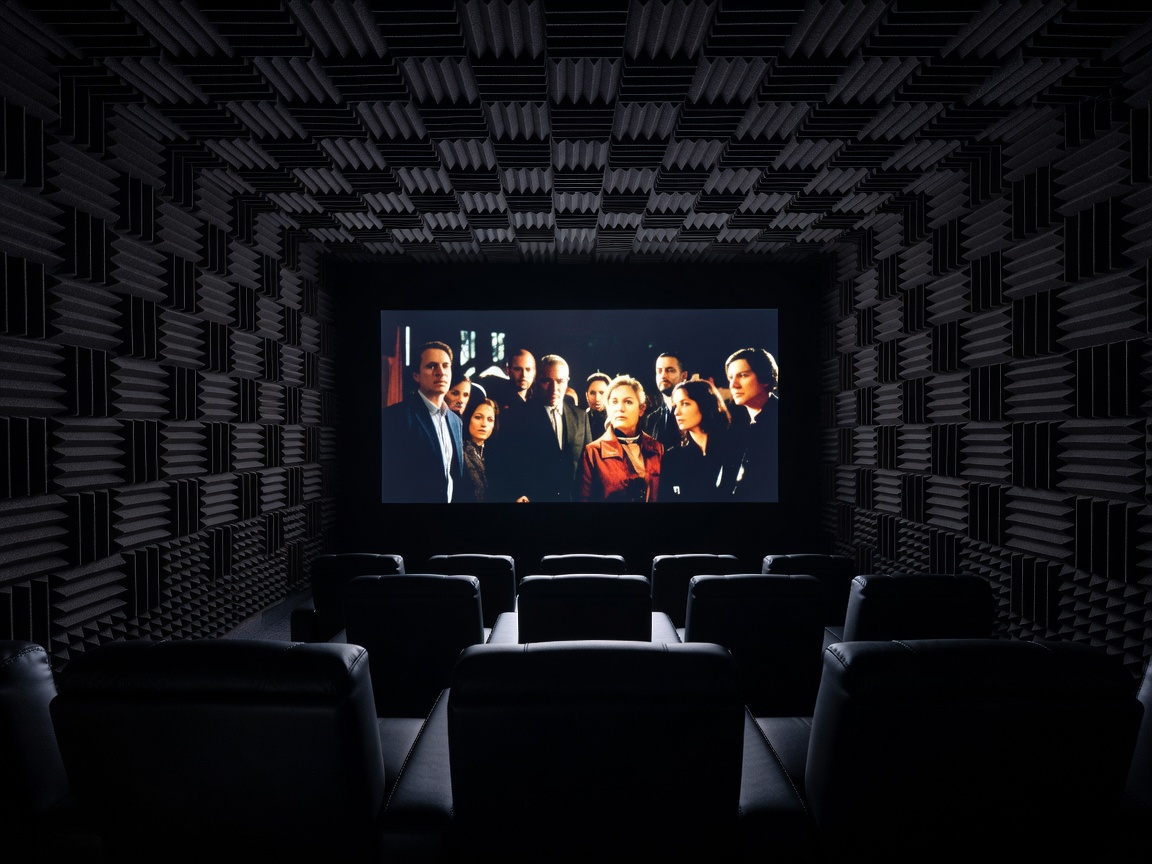
In a properly light-controlled room—meaning blackout curtains, dark walls, and no ambient daylight—brightness is less critical than contrast. The contrast ratio dictates the difference between the brightest white and the deepest black the projector can produce. A high contrast ratio results in images with palpable depth, commonly referred to as "pop," while poor contrast leaves dark scenes looking washed out and gray.
When evaluating contrast, it is essential to look past dynamic contrast ratios marketed by manufacturers, which are often inflated using dynamic irises that close during dark scenes. Native contrast ratio, derived directly from the projector's imaging panel (be it LCD, DLP, or LCoS), is the true indicator of performance. Technologies such as LCoS (Liquid Crystal on Silicon) traditionally dominate the high-end home theater market precisely because of their superior native contrast capabilities.
Throw Distance and Installation Flexibility
Throw ratio defines how far the projector must be placed from the screen to achieve a desired image size. Standard throw projectors typically sit behind the viewing area, requiring a considerable room depth. If space is limited, short-throw and ultra-short-throw (UST) projectors become relevant. UST projectors can sit just inches away from the screen, usually resting on a media console.
UST models have gained immense popularity as "laser TVs," acting as direct replacements for large televisions in living rooms. However, when deployed in a dedicated theater, traditional long-throw placement remains preferred, as it allows for the projector to be mounted cleanly on the ceiling, reducing fan noise near the viewers and avoiding the rigid screen flatness requirements of UST projection.
High Dynamic Range (HDR) Performance
Modern cinematic content relies heavily on HDR formats like HDR10 and Dolby Vision. While flat-panel televisions can reach peak brightness levels necessary to display HDR highlights accurately, projectors face a fundamental physics challenge: they must illuminate a massive surface area from a distance.
Therefore, successful HDR in home theaters relies on advanced tone mapping. Tone mapping analyzes the incoming HDR signal and compresses the brightness data to fit the projector's specific light output capabilities without losing shadow detail or clipping highlights. Projectors with dynamic frame-by-frame tone mapping significantly outperform those with static tone mapping, bringing out the vibrant colors and specular highlights intended by filmmakers.
Key Evaluation Criteria for Home Theaters
- Native Resolution: Determine if true 4K is necessary or if pixel-shifted 4K meets your visual acuity needs.
- Color Gamut: Look for coverage of the DCI-P3 color space, which is the standard used in commercial cinemas and UHD Blu-rays.
- Light Source: Consider laser or LED light sources for immediate power-on and zero bulb replacements, though traditional lamps still offer excellent cost-to-performance ratios.
- Lens Shift and Zoom: Extensive vertical and horizontal lens shift allows for easier installation without relying on digital keystone correction, which degrades image quality.
Pros and Cons of Dedicated Theater Projectors
Pros:
- Unmatched screen size relative to cost, easily exceeding 120 inches.
- Authentic cinematic viewing experience intended by directors.
- Acoustically transparent screens allow speakers to be placed behind the image for perfect dialogue localization.
Cons:
- Requires strict control over ambient light to maintain image integrity.
- Installation can be complex, often requiring professional mounting, cable routing, and audio calibration.
- High-quality, fixed-frame screens add a significant hidden cost to the total setup.
Final Considerations
Investing in a home theater projector is not merely purchasing a display; it is committing to a room environment. By matching the projector's throw ratio to your room dimensions, prioritizing native contrast for your dark environment, and ensuring robust HDR tone mapping, you can achieve an immersive viewing experience that rivals commercial cinemas.