The Critical Metric: Input Lag
For decades, projectors were generally unsuitable for gaming due to severe input lag—the delay between pressing a button on a controller and seeing the resulting action on screen. A delay of over 40 milliseconds (ms) creates a noticeable disconnect, making fast-paced shooters or platformers feel sluggish and unresponsive.
Modern gaming projectors have engineered solutions to bypass the heavy image processing pipelines that traditionally caused this lag. A dedicated "Game Mode" turns off motion smoothing, extensive keystone correction, and complex tone mapping, allowing the raw video signal to reach the display panel faster. Today, competitive gaming projectors achieve input lag under 16ms at 60Hz, and single-digit lag (e.g., 4ms) when running at higher refresh rates. This puts them on par with mid-range flat-panel televisions.
Refresh Rates and Resolution Trade-offs
The pursuit of visual fidelity in gaming is often a balancing act between resolution and frame rate. Current generation consoles and high-end PCs can output 4K resolution at 60 frames per second (fps), or lower resolutions (like 1080p) at 120fps or even 240fps.
Gaming projectors reflect this dynamic. While native or pixel-shifted 4K projectors are available, they often cap out at 60Hz in 4K mode. To achieve ultra-smooth 120Hz or 240Hz refresh rates, the projector usually requires the source to step down to 1080p. For competitive multiplayer gamers, the fluidity and reduced motion blur of 120Hz/240Hz at 1080p are vastly superior. Conversely, players focused on immersive, story-driven single-player titles generally prefer the extreme detail of 4K at 60Hz. Understanding your primary gaming style is essential when evaluating these specifications.
Brightness and Ambient Light Rejecting (ALR) Screens
Unlike dedicated home theaters, gaming spaces are often multi-purpose living rooms with varying levels of ambient light. Gamers do not always want to plunge their room into total darkness for a midday session. Because of this, gaming projectors tend to favor high lumen output, frequently pushing past 3,000 ANSI lumens to combat daytime lighting.
However, brightness alone cannot save an image from being washed out by sunlight. The pairing of a gaming projector with an Ambient Light Rejecting (ALR) screen is highly recommended. ALR screens feature micro-structures that reflect light coming from the projector back toward the viewer, while absorbing or deflecting light coming from windows or overhead fixtures. This combination preserves contrast and color saturation, keeping the game vibrant without necessitating a pitch-black room.
Audio Considerations in Gaming Configurations
Immersive gaming relies heavily on directional audio cues—hearing footsteps behind you or a vehicle approaching from the side. While gaming projectors often include robust built-in speakers, true spatial awareness requires external sound systems or high-quality gaming headsets. Look for projectors featuring eARC (Enhanced Audio Return Channel) via HDMI, which allows the seamless pass-through of uncompressed multi-channel audio formats like Dolby Atmos directly to an AV receiver or soundbar.
Key Specifications for Gamers
- Input Lag: Ensure the device guarantees less than 16ms input lag at 60Hz, or under 8ms at higher refresh rates.
- Refresh Rate Support: Verify compatibility with 120Hz or 240Hz input signals, and confirm what resolution is required to achieve those rates.
- HDMI Standards: HDMI 2.1 ports are necessary if you intend to utilize 4K at 120Hz (though currently rare in the projector space, they are emerging) and Variable Refresh Rate (VRR).
- Brightness: Aim for 2,500+ ANSI lumens if the device will be used in a room with ambient light.
Pros and Cons of Gaming Projectors
Pros:
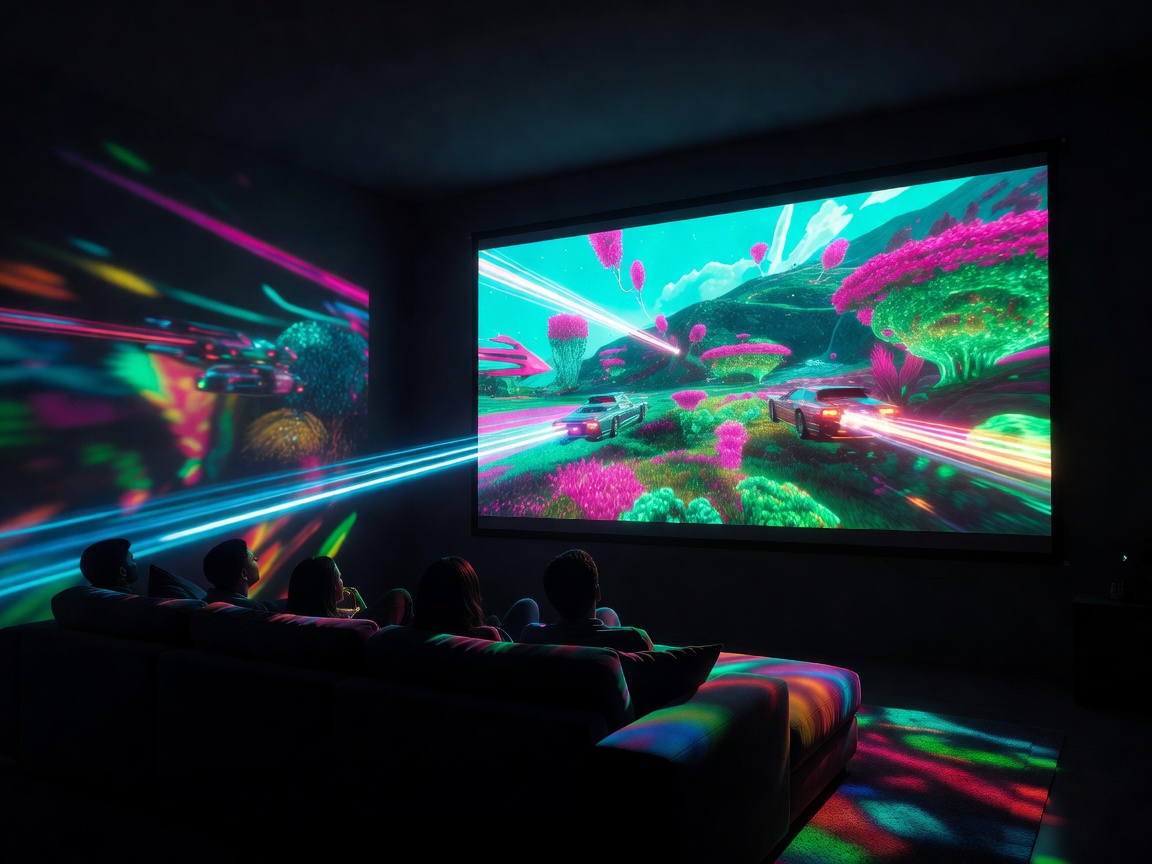
- Unparalleled immersion: life-sized characters and expansive fields of view create a visceral gaming experience.
- Split-screen multiplayer is significantly more viable and enjoyable on a 100-inch+ display.
- Eye strain can be reduced compared to staring at a backlit TV, as projectors utilize reflected light.
Cons:
- Requires careful management of ambient light or an expensive ALR screen to maintain visual punch.
- Ultra-competitive gamers (e.g., esports professionals) may still prefer smaller monitors to keep the entire HUD within their immediate focal range.
- Digital keystone correction increases input lag; precise physical placement is required to keep latency low.
Conclusion
The paradigm of gaming displays has expanded. By carefully selecting a projector engineered specifically to minimize latency and maximize motion clarity, gamers can construct an environment that scales their favorite digital worlds to life-size proportions without sacrificing the responsive feel necessary for success.